

Cybersecurity
Microsoft 365 Security
Secure Devices, Data, and Users with Microsoft 365 Security
As cyber threats continue to evolve, organizations need a modern security framework that protects endpoints, sensitive data, and users across hybrid and remote work environments. Mismo Systems helps businesses strengthen their security posture through comprehensive Microsoft 365 Security Services, leveraging Microsoft Intune, Microsoft Defender for Endpoint, Microsoft Purview Information Protection, and Microsoft Purview Data Loss Prevention (DLP).
Our Microsoft 365 security experts help organizations implement a Zero Trust security model that enables secure collaboration, centralized device management, advanced threat protection, and data governance while maintaining compliance with industry regulations.
Business Challenges We Help Solve

Endpoint Security Vulnerabilities
Unsecured or unmanaged devices can expose organizations to malware, ransomware, phishing attacks, and unauthorized access.

Data Leakage Risks
Sensitive business information can be accidentally or intentionally shared through emails, cloud storage, removable media, or collaboration platforms.

Hybrid and Remote Work Security
Employees accessing corporate resources from multiple locations and devices increase the complexity of maintaining security and compliance.
Compliance and Regulatory Requirements
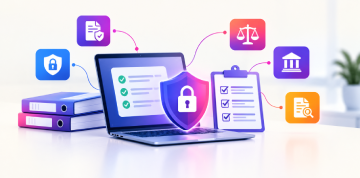
Organizations need stronger controls to meet data protection regulations, governance requirements, and audit obligations.

Lack of Centralized Device Management
Managing devices across different operating systems and locations can create security gaps and operational inefficiencies.

Limited Threat Detection Capabilities
Without advanced monitoring and response mechanisms, organizations may struggle to identify and mitigate security threats before they cause damage.
Why Microsoft 365 Security?
Microsoft 365 Security provides a unified platform to secure identities, devices, applications, and data across your organization. By integrating security, compliance, and endpoint management capabilities, organizations can proactively defend against cyber threats while empowering employees to work securely from anywhere.
Key Microsoft technologies include:
- Microsoft Intune
- Microsoft Defender for Endpoint
- Microsoft Purview Information Protection
- Microsoft Purview Data Loss Prevention (DLP)
- Microsoft Security & Compliance Center
Security Pillars: Secure Every Layer of Your Digital Workplace
Device Security &
Management
Protect and manage corporate devices across Windows, macOS, iOS, and Android with centralized policies and compliance controls.
Threat Detection &
Response
Identify, investigate, and respond to cyber threats using advanced endpoint protection and continuous monitoring.
Information
Protection
Classify, label, and secure sensitive business information with encryption and access controls.
Data Loss
Prevention
Prevent accidental or unauthorized sharing of confidential data across emails, applications, and cloud services.
Security Visibility &
Compliance
Monitor security posture, track compliance status, and gain actionable insights through reporting and dashboards.
Our Offering
Device Management
- Intune-based device enrollment
- Compliance
- Policy management
Threat Protection
- Microsoft Defender deployment
- Threat detection
- Vulnerability management
Information Protection
- Sensitivity labels
- Data classification
- Encryption
- Secure sharing
Data Loss Prevention
- DLP policies, monitoring
- Alerts
- Data leakage prevention
Security Monitoring
- Dashboards
- Reporting
- Compliance tracking
- Security recommendations
Key Benefits of Microsoft 365 Security
Strengthen endpoint security across all devices
- Reduce the risk of ransomware, malware, and cyberattacks
- Protect sensitive business information with advanced data protection controls
- Enable secure remote and hybrid work environments
- Centralize device and security management
- Improve compliance with industry and regulatory requirements
- Gain proactive threat detection and response capabilities
- Increase visibility into organizational security posture
- Support Zero Trust security initiatives
- Reduce operational burden on internal IT teams
Why Choose Mismo Systems?
At Mismo Systems, we help organizations implement enterprise-grade Microsoft security solutions that balance protection, compliance, and productivity. Our experts bring deep experience across Microsoft 365, Azure Security, Endpoint Management, and Data Protection to help businesses build a secure and resilient digital workplace.
Â
Whether you’re looking to secure remote employees, protect sensitive information, improve compliance, or strengthen endpoint security, our Microsoft 365 Security Services provide a comprehensive framework for modern cyber defense.
More Related To This
Microsoft 365 Security
Before Enabling Copilot, Is Your Microsoft 365 Environment Ready for AI?
Why Microsoft 365 Security Readiness Matters Before Enabling Copilot Microsoft 365 Copilot can help employees summarise meetings, find information, draft
Microsoft 365 Security, Microsoft Security
Microsoft Purview vs Defender vs Sentinel: What’s the Difference?
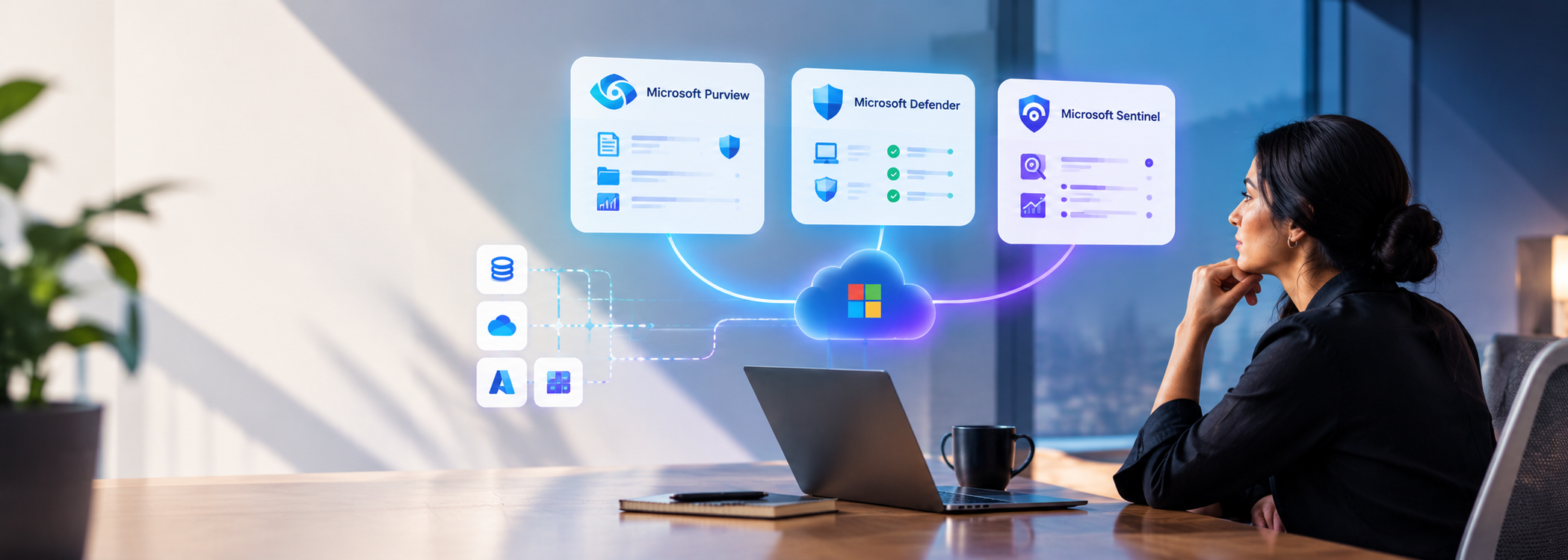
Three Microsoft Security Solutions, Three Different Roles Microsoft Purview, Microsoft Defender, and Microsoft Sentinel are three names that frequently appear

Microsoft 365 Security
Is Your Microsoft 365 Environment Secure? 5 Things IT Heads Need to Check
Microsoft 365 Isn’t Secure by Default Microsoft 365 is one of the most widely used cloud productivity platforms, but being

Migration
Why Migrate Legacy Applications to Containers and What are the Challenges this Brings?
Introduction to Containerization Containerization is the era to welcome: a time where complexity would confront simplicity in the field of

Cloud, Cloud Computing, Microsoft 365 Security
Microsoft 365 Update:- Viva Connections is now generally available!
Viva Connections, part of Microsoft Viva, is your entry point to a modern employee experience. You get an all-in-one experience with the customized

Cloud, Microsoft 365 Security, Microsoft Teams
Microsoft Teams Updates (June 2021)
In this blog, we will be discussing the various Microsoft Teams updates in the month of June. Meeting Updates: During

AWS, Azure, Cloud, Cloud Computing, Disaster Recovery, Google Cloud Platform, Microsoft 365 Security
How Startups can succeed with Cloud Computing?
Startups are an enjoyable but demanding professional experience. A host of entrepreneurially dedicated professionals pursue their passion and dive into

AWS, Azure, Cloud, Microsoft 365 Security
A quick look at the 4 Most Used Services on Microsoft Azure
1. Azure Compute Azure compute is an on-demand computing service for running cloud-based applications. Azure compute service can be divided broadly into three
Cloud, Microsoft 365 Security, Microsoft Teams
Breakout Rooms and Its Usage – Microsoft Teams
In this blog, we are going to discuss a feature provided by Microsoft teams known as Breakout rooms. Also, we
Cloud, Microsoft 365 Security
Package Manager for Microsoft Intune Administrators – Part 1
Deploying applications to end-user Windows machines has never been easier if you are a Microsoft Intune administrator. Earlier what used
Microsoft 365 Security
How Global admin can give someone’s OneDrive access to another user?
Please follow the below steps to use this feature. Go to Admin Center https://admin.microsoft.com/ > User>Active Users> Search Name>Click on User Profile.
Microsoft 365 Security
Microsoft Secure Score
Microsoft Secure Score is a security analytics tool that provides better security configuration and security features. It applies a numerical
Cloud, Microsoft 365 Security, Microsoft Teams
Visio Tabs in Microsoft Teams
Visio Tabs in Microsoft Teams allows team members in a dedicated space to access resources and information in a channel
Frequently Asked Questions
Microsoft 365 Security is a suite of security, compliance, and endpoint management solutions that help organizations protect users, devices, applications, and data.
Microsoft Intune is a cloud-based endpoint management solution used to manage devices, enforce compliance policies, and secure corporate data.
Microsoft Defender for Endpoint provides advanced threat protection, endpoint detection and response (EDR), vulnerability management, and security analytics.
Sensitivity Labels classify and protect sensitive information through encryption, access controls, and usage restrictions.
Data Loss Prevention helps prevent sensitive information from being shared, transferred, or accessed inappropriately across emails, applications, and cloud services.